

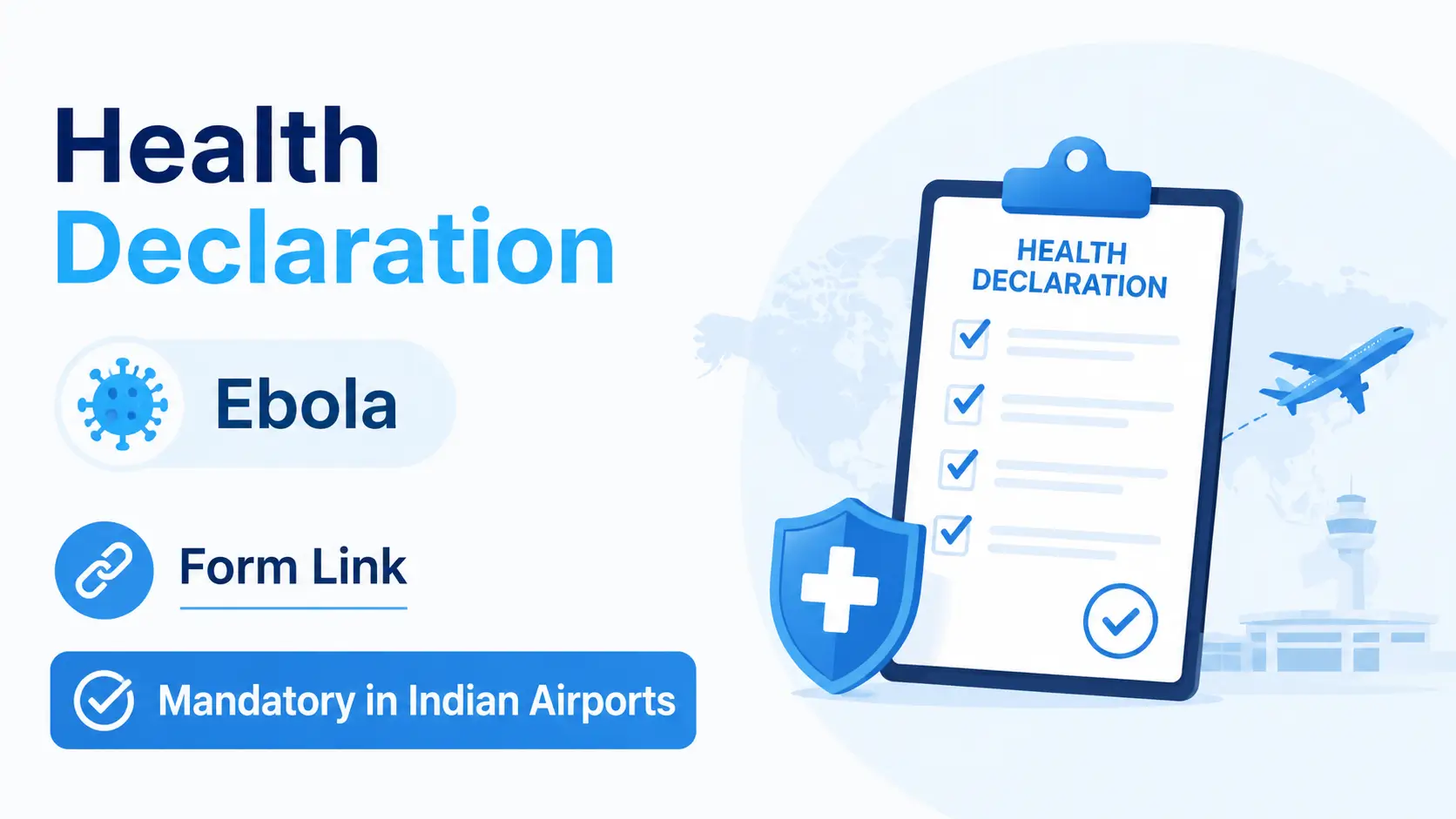

India has introduced AIR SUVIDHA 2.0, a new digital health screening system for all international passengers arriving in India. The initiative was launched by the Ministry of Civil Aviation, in partnership with Delhi International Airport Limited (DIAL) and the Directorate General of Health Services (DGHS), following the ongoing Ebola outbreak in Central Africa.
From June 25, 2026, every international traveler flying to India must complete the Air Suvidha Health Self-Declaration Form online within 24 hours before departure.
If you’re planning to travel to India, here’s everything you need to know.
What is Air Suvidha 2.0?
Air Suvidha 2.0 is India’s official online health declaration portal that allows international passengers to submit their travel and health information before arriving in India.
The system helps Indian health authorities quickly identify travelers who may require additional health screening, reducing paperwork and speeding up airport arrival procedures.
Official Portal:
https://airsuvidha.civilaviation.gov.in/
Who Must Fill the Air Suvidha Form?
All passengers arriving in India from any country are required to complete the online Health Self-Declaration Form before boarding their flight.
This applies regardless of nationality.
When Should You Submit the Form?
The form must be completed:
Within 24 hours before your flight departs for India.
It is recommended to complete the declaration during online check-in.
Information Required
Before starting, keep the following details ready:
- Passport
- Flight number
- Seat number (if available)
- Date of arrival
- Personal details
- Address in India
- Countries visited in the last 21 days
- Transit information (if applicable)
Step-by-Step Guide to Fill Air Suvidha 2.0
Step 1 – Visit the Official Website
Go to:
Click “Health Declaration”.
Step 2 – Enter Personal & Flight Details
Fill in your personal information:
- Full Name
- Gender
- Nationality
- Passport Number
- Age
- Arrival Date & Time
- Flight Number
- Seat Number (if available)
Step 3 – Provide Travel History
Select all countries you have visited during the last 21 days.
The portal specifically asks whether you have travelled to:
- DR Congo (DRC)
- Uganda
- South Sudan
If you have not visited any of these countries, choose:
“None of the Above.”
Step 4 – Enter Address Details
Provide:
- Address in India
- State
- District
- First airport of arrival
- Country of departure
- Transit country (if applicable)
If you have no transit, simply select:
No Transit / Direct Flight
Step 5 – Add Family Members (Optional)
If travelling together, you can include family members or co-passengers in the same declaration.
Step 6 – Continue to Contact & OTP Verification
After completing the first page:
Click
Continue to Contact & OTP
You will then:
- Enter your mobile number
- Enter your email address
- Verify using the OTP
Step 7 – Submit the Declaration
Review all information carefully.
Click Submit.
The system will generate your Air Suvidha Health Declaration.
Download and save it as a PDF.
At the Airport
Upon arrival in India:
Show the downloaded Air Suvidha declaration to:
- International Travel Health Desk (if required)
- Immigration officials (if requested)
Keeping a digital copy on your phone is recommended.
Why Has India Introduced This?
The new system was introduced following the World Health Organization’s declaration of the Ebola outbreak in Central Africa as a global public health emergency.
The online portal enables:
- Faster passenger processing
- Contactless health screening
- Real-time data sharing between airport health officials, immigration authorities, and state surveillance teams
- Early identification of potentially high-risk travelers
Frequently Asked Questions (FAQs)
Is Air Suvidha mandatory?
Yes. All international passengers arriving in India must complete the online Health Self-Declaration Form before departure.
When should I fill the form?
Within 24 hours before your flight departs.
Is there any fee?
No. The Air Suvidha Health Declaration is completely free.
Can I complete it on my mobile phone?
Yes. The portal is mobile-friendly and can be completed using a smartphone, tablet, or computer.
What if I have a connecting flight?
You should include your transit details while completing the declaration.
Do I need to print the form?
A printed copy is not mandatory, but carrying either a printed or digital PDF copy is highly recommended.
Need Assistance?
If you face any issues while completing the Air Suvidha Health Declaration Form, Harf Typing and Documents Clearing can assist you with the online submission process.
WhatsApp us: +971 58 185 7676
Our team can help you accurately complete the declaration before your flight to avoid delays during travel.























Comment (1)
beton
As a variant, yes